

Screen Time App
Lower Screen Time in 7 Days
A free plan for the week. You set your phone up once. It holds the line after that.


At the office · 9:02 AM Instagram, TikTok, X paused
Focus this morning 2h 14m
Screen Time App
A free plan for the week. You set your phone up once. It holds the line after that.

Set it up once and enough. helps you throughout the week.
Place-based focus
Blocks distracting apps the moment you arrive. Set the places and apps that matter and enough. handles the rest.
Set it up once, it runs on its own.

Driving without distraction
Start driving and the apps that pull your eyes off the road are already blocked. There's a passenger mode for when you're not the one driving.
Eyes on the road.

Scheduled focus
Weekday mornings, dinner, bedtime. You pick the hours, and the apps you chose are blocked until you're done.
Be present when you want to be.

How people use it

Block TikTok or Snap the moment you step into school. No more distractions while you're studying.

We all know we shouldn't, but sometimes it's hard not to check. enough. blocks distracting apps while you drive.

Scrolling before bed can disrupt sleep. Set a bedtime block schedule for the apps that keep you awake.

Set work as a location where distracting apps stay blocked, then leave them available when you leave the office.

Dinner, bedtime, weekends. The apps you chose stay blocked while the people who matter most are right there with you.

Set a time or a place and let enough. give you some space from the digital world. You deserve a break.

Set the gym as a place where social apps stay blocked. Put your head down, do the work, and scroll when you're done.

The 7-day program is free. Download enough., follow the plan, and your phone starts working the way you decided it should.


From the blog

The best driving focus apps for iPhone, compared honestly: what Apple's built-in tools do, where they stop, and which app makes the phone go quiet on the road.
A 2025 study had 467 adults try blocking mobile internet for two weeks. Attention, mood, and wellbeing improved. Here is what it means for focus.
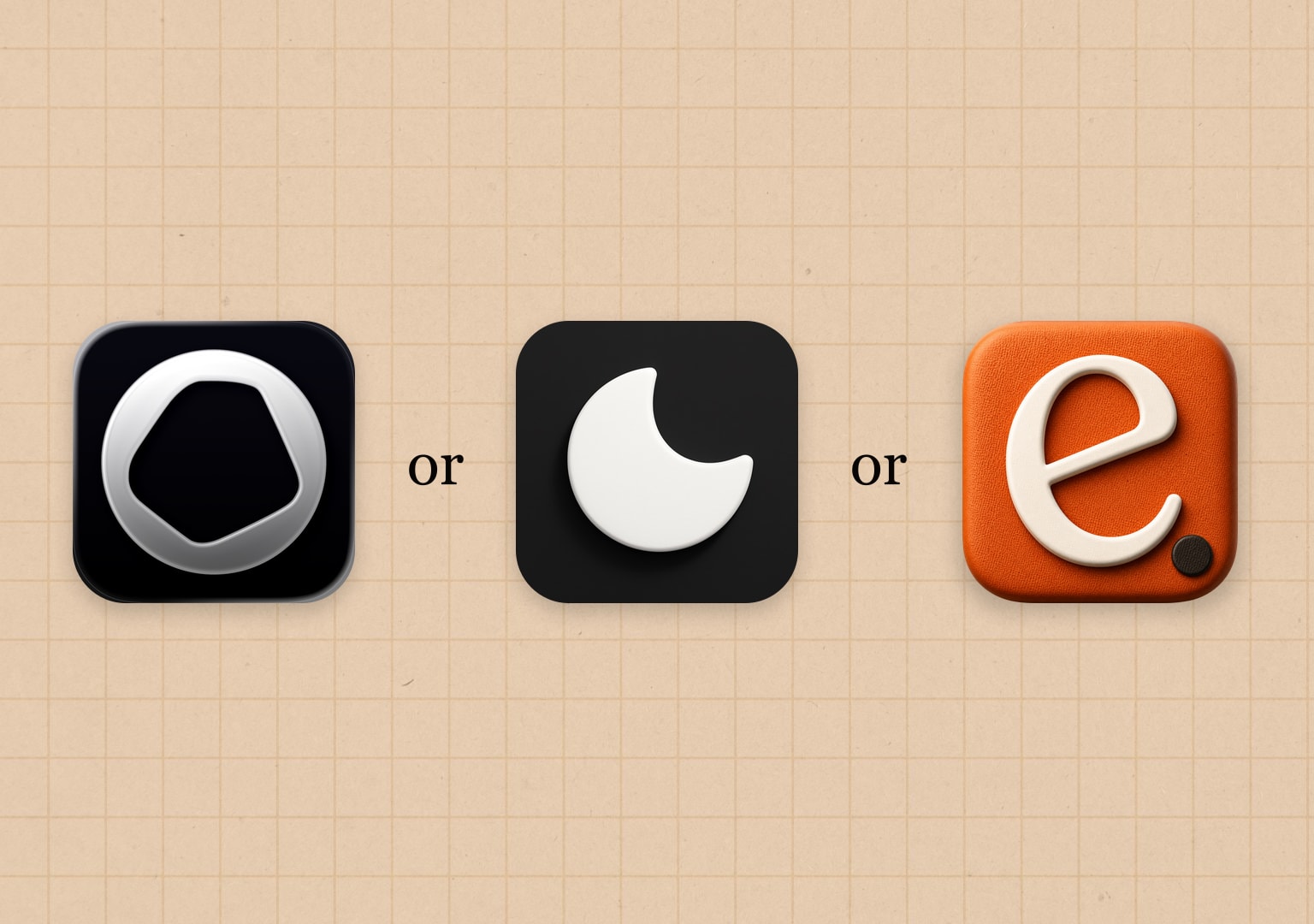
Opal vs Refocus vs enough., compared on price and features: two blockers and a guided 7-day program. Who each fits.


